Jigsaw puzzles, cut six different ways
Pick a picture, pick a cut, and drag the pieces home. Every cut here is drawn from scratch in the browser: the knobs on the classic cut, the 45° staircases, the waves, the half-drop courses, the hexagons and the flagstones are all generated shapes rather than pictures of puzzle pieces. Sixteen photographs — or one of your own, dropped straight on the board — four difficulty presets, nothing uploaded and nothing saved.
This picture is being read from your device.
It was never uploaded and it is not saved anywhere — so it will not be here when you come
back, and the Copy link button above cannot carry it, because a link can only name a file
in the img folder. Deal one of the bundled pictures and the button comes back.
Keyboard: [ and ] choose a piece, the arrow keys move it (hold Shift for bigger steps), Enter drops it, P cycles the peek (which starts off) and S re-scatters the pieces that are still loose. On a touch screen, drag with one finger.
How a cut is built
A cut is a lattice plus a seam. The lattice decides where the pieces meet — a grid, a sheared grid, a hex lattice, a set of scattered points — and the seam decides what that meeting looks like: a straight line, a knob, or a wave. Each seam is generated once and then walked twice, once forwards by one piece and once backwards by its neighbour, so the two outlines are the same polyline read in opposite directions rather than two polylines that nearly agree.
Cuts whose lattice is not rectangular — the 45° cut, honeycomb and flagstone — are
clipped against the board's rectangle, and that single clip is what gives their border pieces their
straight outside edges. Then each piece is drawn once into its own small canvas, cropped to its own
outline, and after that a frame is just a handful of drawImage calls. Nothing is
re-cut while you play.
- Everything is seeded. One number drives the picture, the cut, the knobs, the vertex jitter and the scatter.
- Every interior seam is shared twice. The test suite builds each cut and asserts that the area of the pieces adds up to the board, that no piece overlaps another, and that every seam is used exactly twice — once in each direction.
- No dependencies, no build step. One plain JavaScript file, drawn on one canvas.
The six cuts
| Cut | What the seams do | Pieces | The catch |
|---|---|---|---|
| Classic cut | A jittered grid where every interior seam carries a bulb-and-neck knob, with the tab direction alternating so the tabs never line up into stripes. | about 28 | Knobs are the fiddliest edges to grab on a phone, which is what the generous snap tolerance is for. |
| The Puzzled cut | Every seam is a 45° staircase: a run at exactly 45°, a horizontal step, another run. The step's height and length are drawn for each piece, so no two pieces come out the same shape. | about 28 | There are no knobs and no necks to push against: a step tells you very little, so the picture does most of the work of telling you where a piece belongs. |
| Serpentine | Every seam is a windowed sine wave with a small second ripple, anchored at both ends so the corners still meet exactly. | about 28 | The waves hide which way a piece belongs, so this is the cut worth switching the peek on for. |
| Brickwork | Half-drop courses of 2:1 bricks. Every horizontal seam is split in two at the T-junctions and each half carries its own knob. | about 33 | The half bricks at the ends of alternating courses mean more border pieces than the other cuts. |
| Honeycomb | A jittered hex lattice, clipped at the board edge, so the outside pieces are half-hexagons. | about 30 | Hexagons have no knobs and no necks: the picture is the only clue you get. |
| Flagstone | Cells from a Voronoi diagram over a jittered set of points — irregular convex polygons, like a flagstone path. | about 28 | Every piece is a different shape, so there is no neck to push against and no rhythm to lean on. |
What the numbers mean
- Placed
- How many pieces have snapped into their slot, out of the number this cut actually made.
- Time
- Starts with your first drag or key press and stops when the last piece lands. It is only there for you.
- Moves
- Pieces placed, not drags attempted — a piece dropped in the wrong place costs you nothing.
- Cut
- The name of the cut you are playing, in case you arrived from a shared link.
- Seed
- The one number the whole puzzle is generated from. The same seed, picture, cut and difficulty always give the same board, the same piece outlines and the same scatter, which is why Copy link can promise the exact puzzle you were looking at.
What this will not do
- Pieces cannot be rotated or flipped, and two loose pieces cannot be joined together away from the board.
- There is no undo, no save and no progress kept anywhere: reload the page and the board is fresh.
- There is no upload box, and none is needed: a photograph you drop on the board is read in your browser, and the server never sees it.
- No sound, no scores, no leaderboard, no daily puzzle.
- It is not a replacement for a puzzle on the table. Digital pieces have no thickness, and the Show me button is always sitting there.
About the pictures
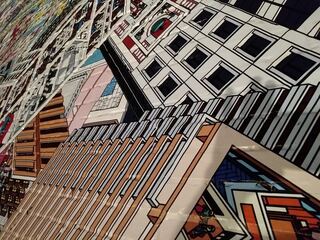
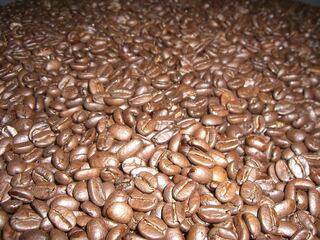
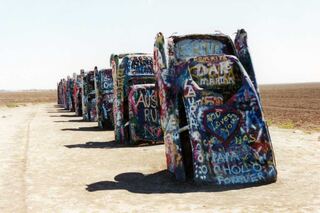
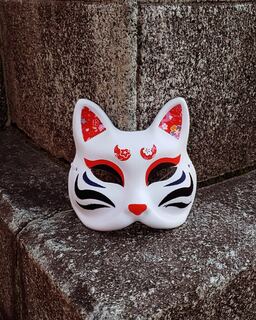
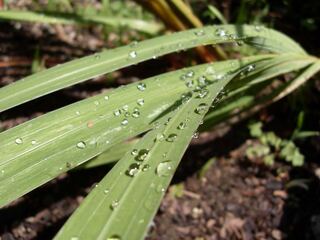
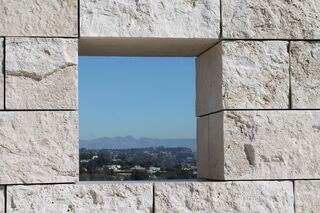
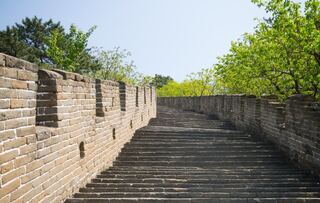
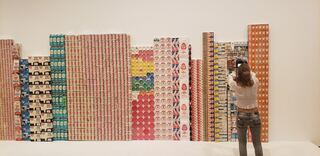
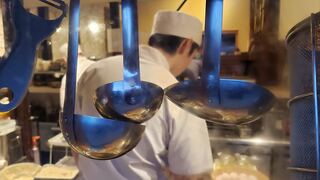
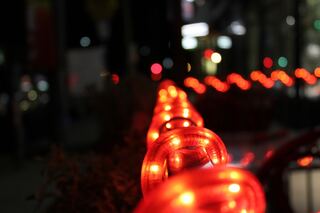
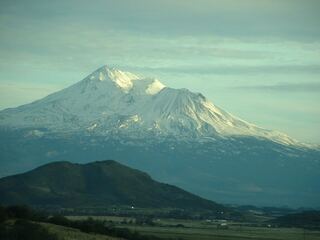
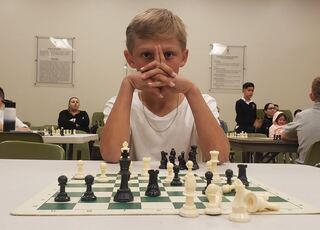
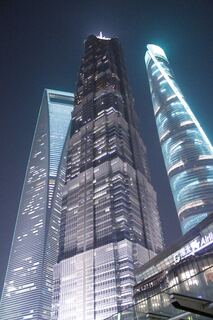
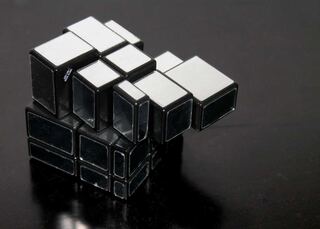
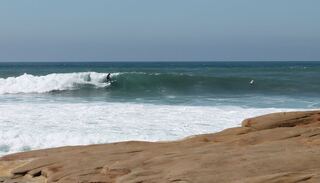
All sixteen photographs are mine, kept because between them they cover the range a jigsaw has to cope with: a mountain that is mostly one shape, a wall of groceries that is nothing but edges, water, stone, skin, foliage and a lot of sky. Landscapes make the easiest puzzles; anything with fine, repeating detail is the hardest thing on this page. The captions are simply the names the files were imported under, and there are more photographs where these came from at photo.2re.me.
The sixteen pictures
Each picture is cropped to the shape of the board, so a tall photograph loses a little of its top and bottom rather than being squeezed. Pick one in the toolbar above, or click a picture here to deal it. The gallery is ordinary HTML underneath, so the pictures stay visible even where the puzzle itself cannot run.

Frequently asked questions
More from the club
The other game here: a grey-themed fork of 2048 where merging adds five instead of doubling.
A gallery of cuts that work with a receding hairline, collected to show a barber.
Word counter, Open Graph viewer, OCR, colour tools, QR codes and more — free, in the browser.